
Set up a hotel in Hoteliera, step by step
Follow Hotel Alberto, a 6-room boutique hotel in Torino, from signup to its first guests: rooms, prices, taxes, the booking website, payments, extras and the daily work at the desk. Every setting is shown on screen, then you see what it changed.
Start the guide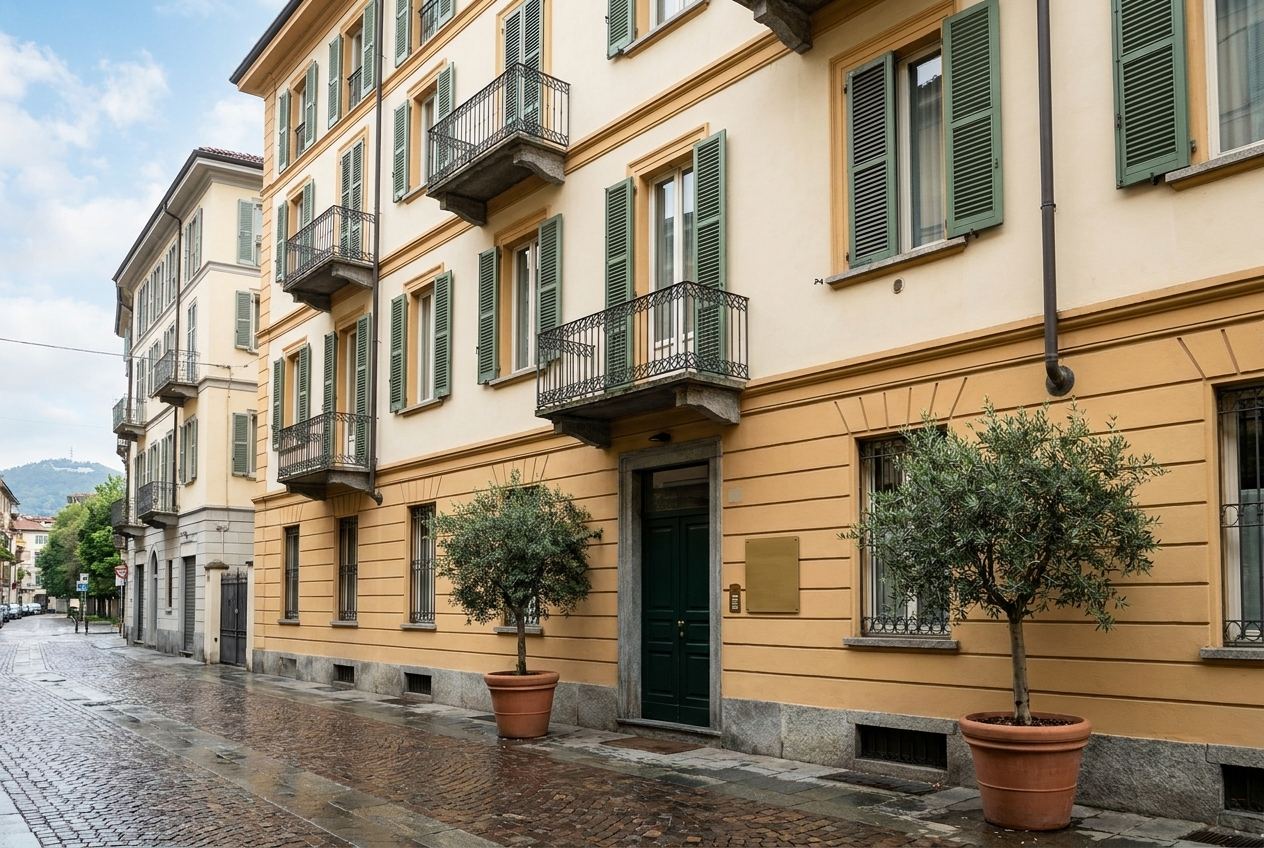
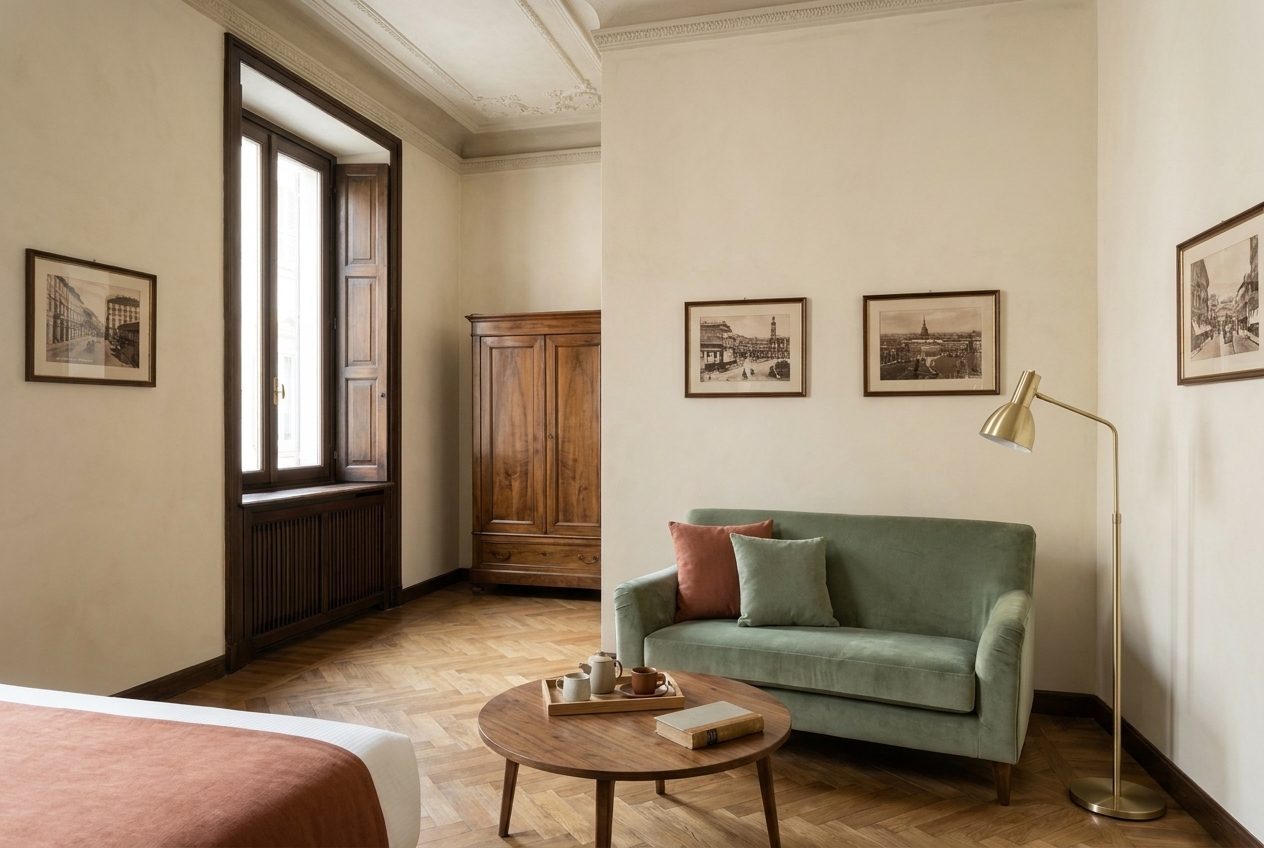
Hotel Alberto is a fictional 6-room hotel in Torino, set up for real on a Hoteliera test account. Each chapter does one job: a short explanation, the exact clicks with a recorded clip, and a second clip that shows where the setting appears, in the planner, on the booking website or on the invoice.
Read it in order the first time, since each chapter builds on the one before. Later, jump straight to the chapter you need, or use the day-one checklist as your to-do list.
-
Welcome to Hotel Alberto
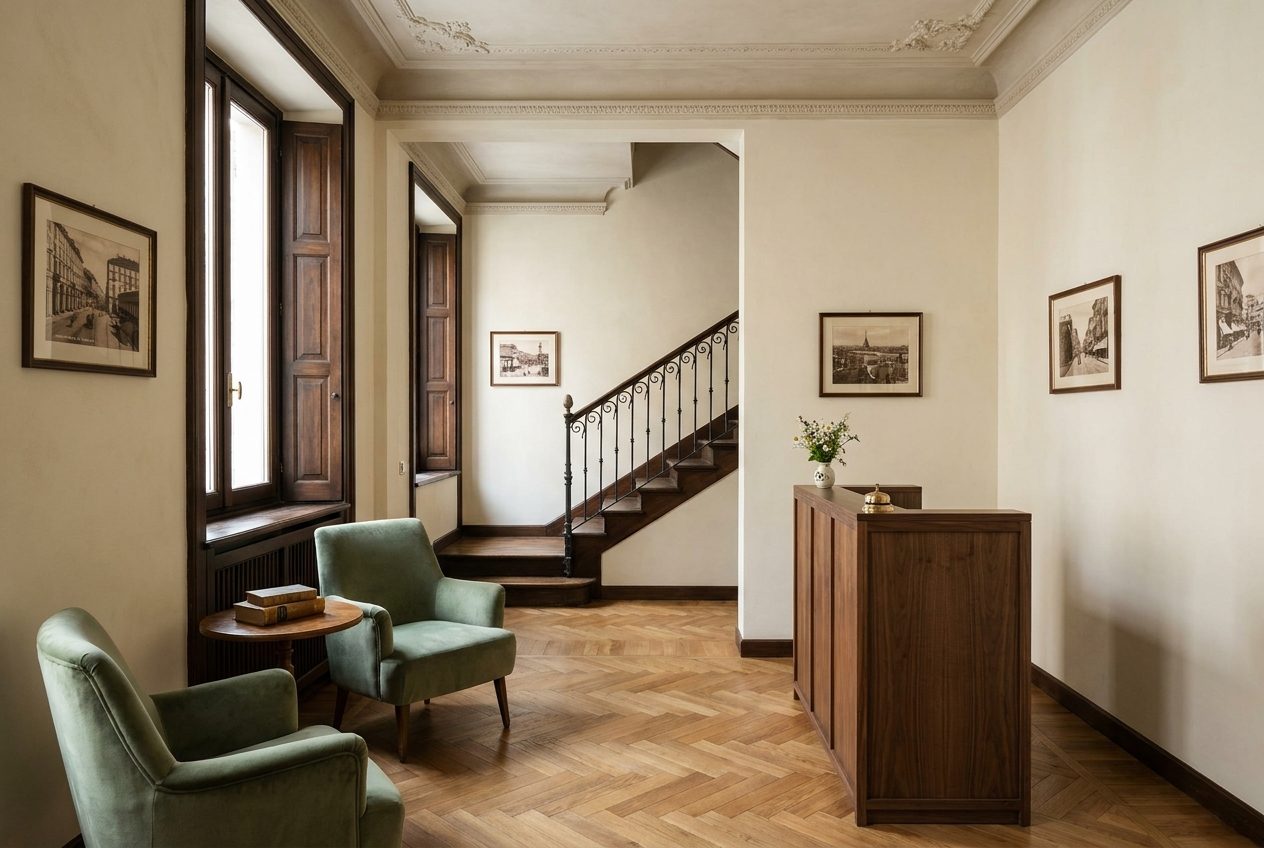
Meet the hotel we are going to set up, and see how the guide works.
-
Create your account
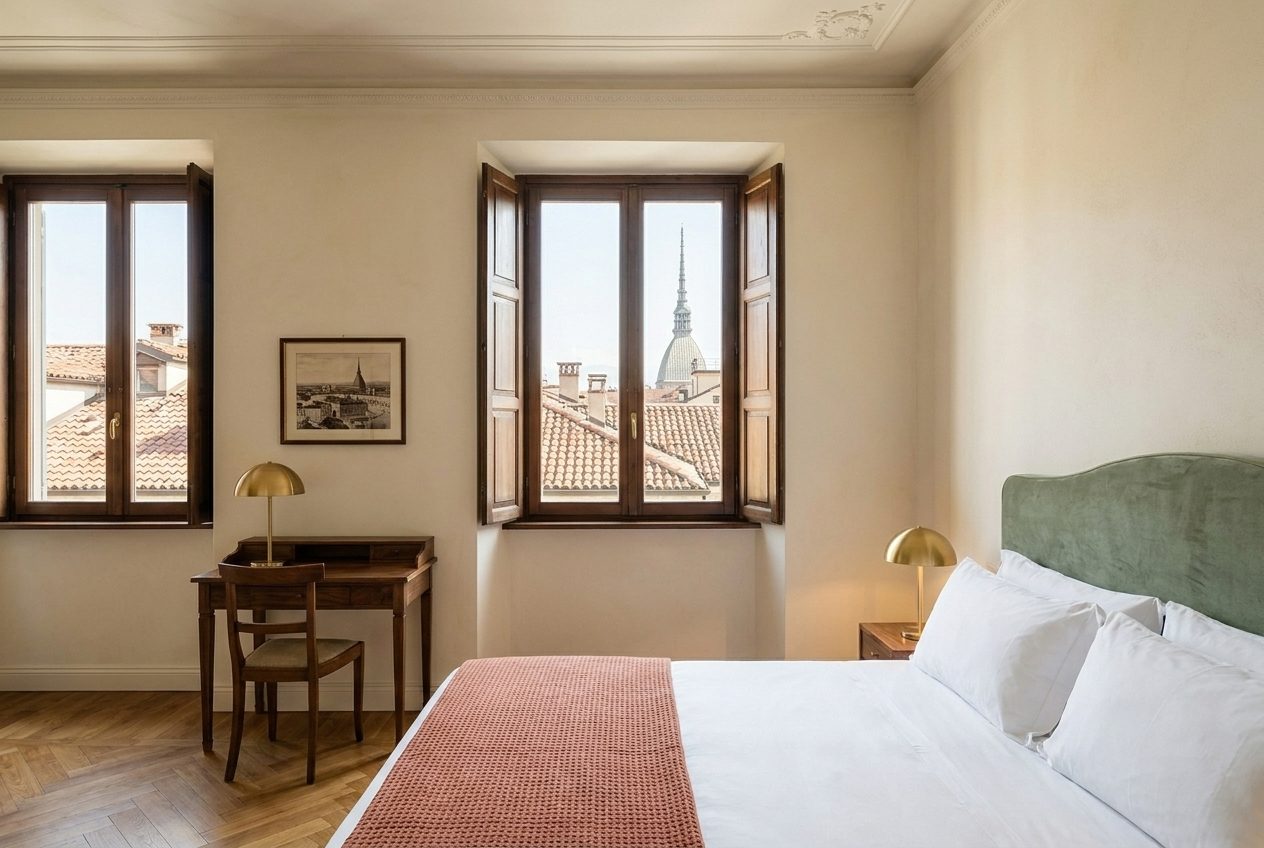
Sign up in under a minute and find the checklist that guides the rest of the setup.
-
Hotel profile and photos
Give the hotel an address, a short description, photos and check-in times.
-
Room types and room numbers
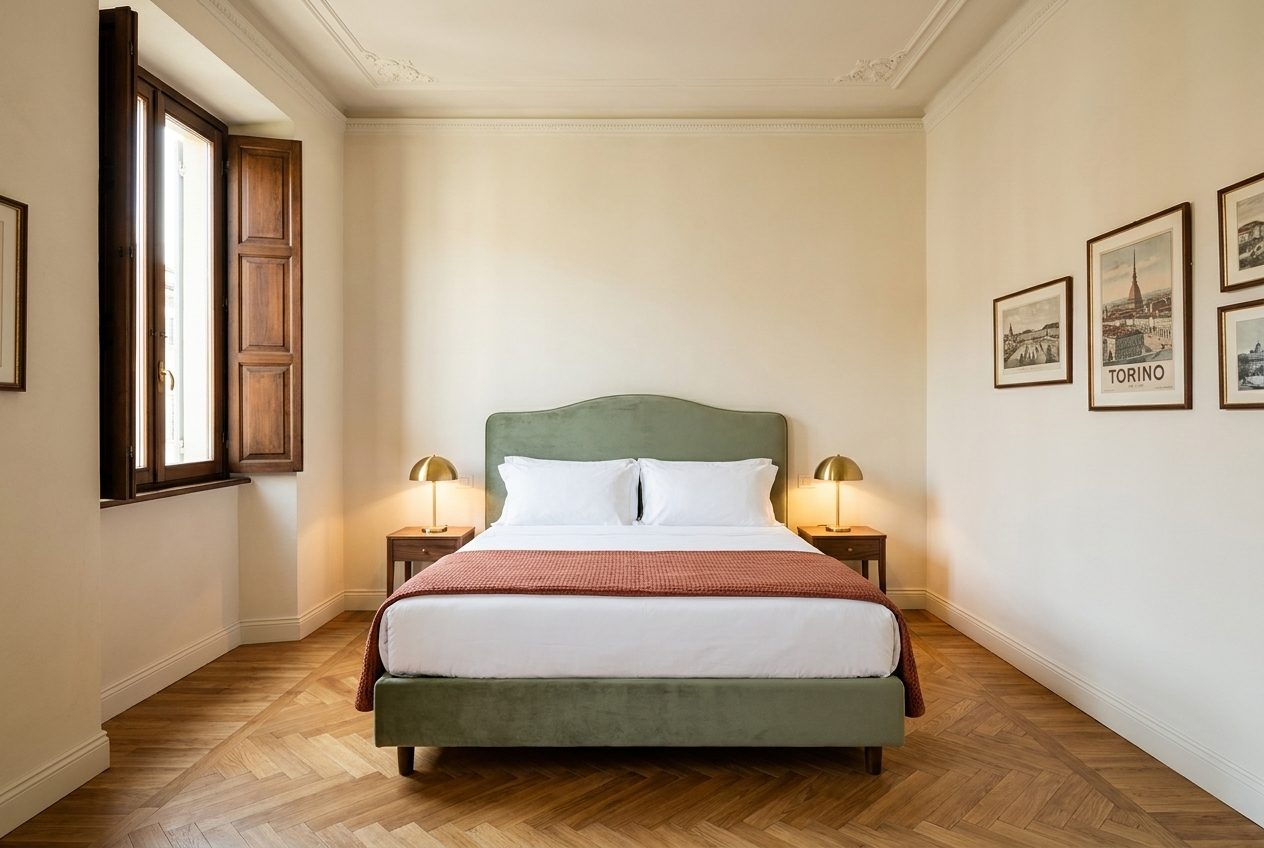
Describe the two kinds of room the hotel sells and give each physical room its number.
-
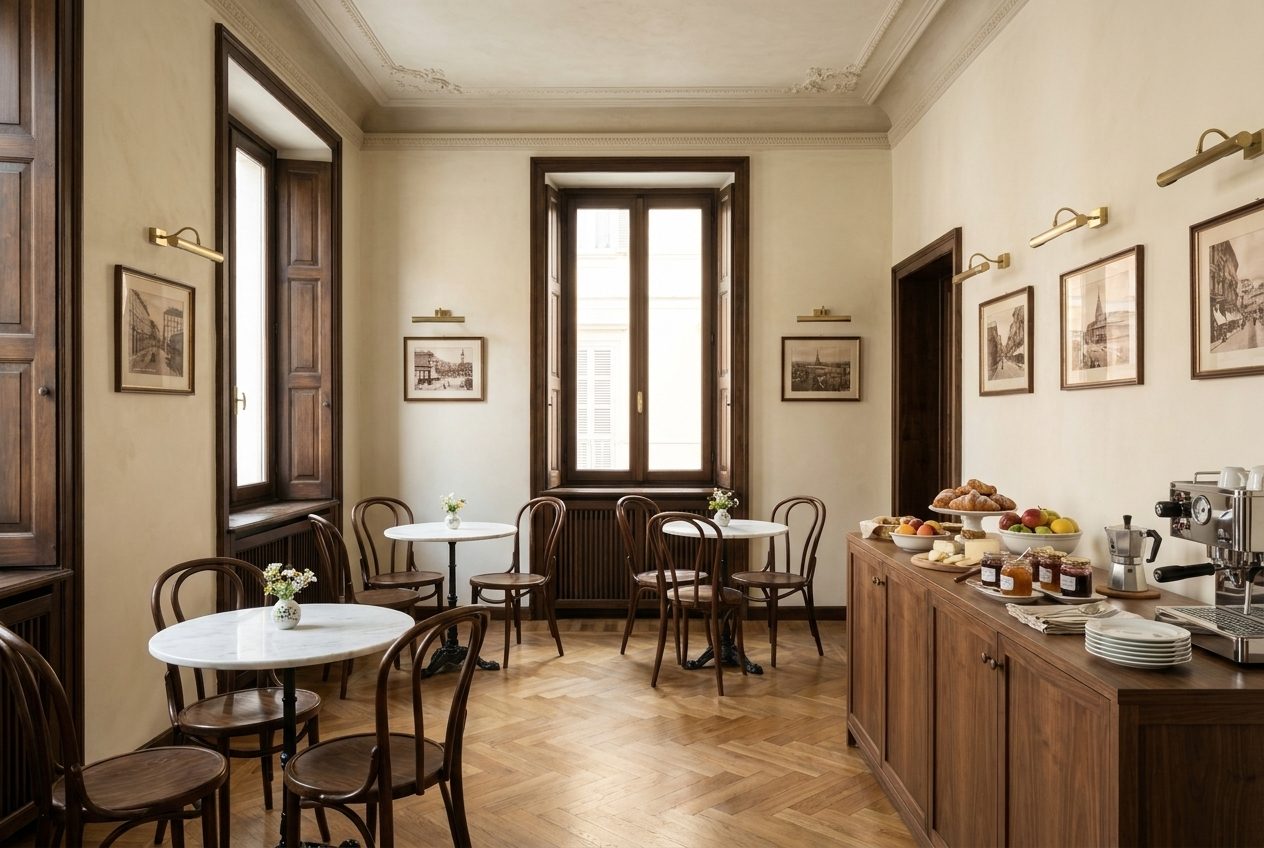
Meal plans
Choose which meal options the hotel sells: room only and bed & breakfast.
-
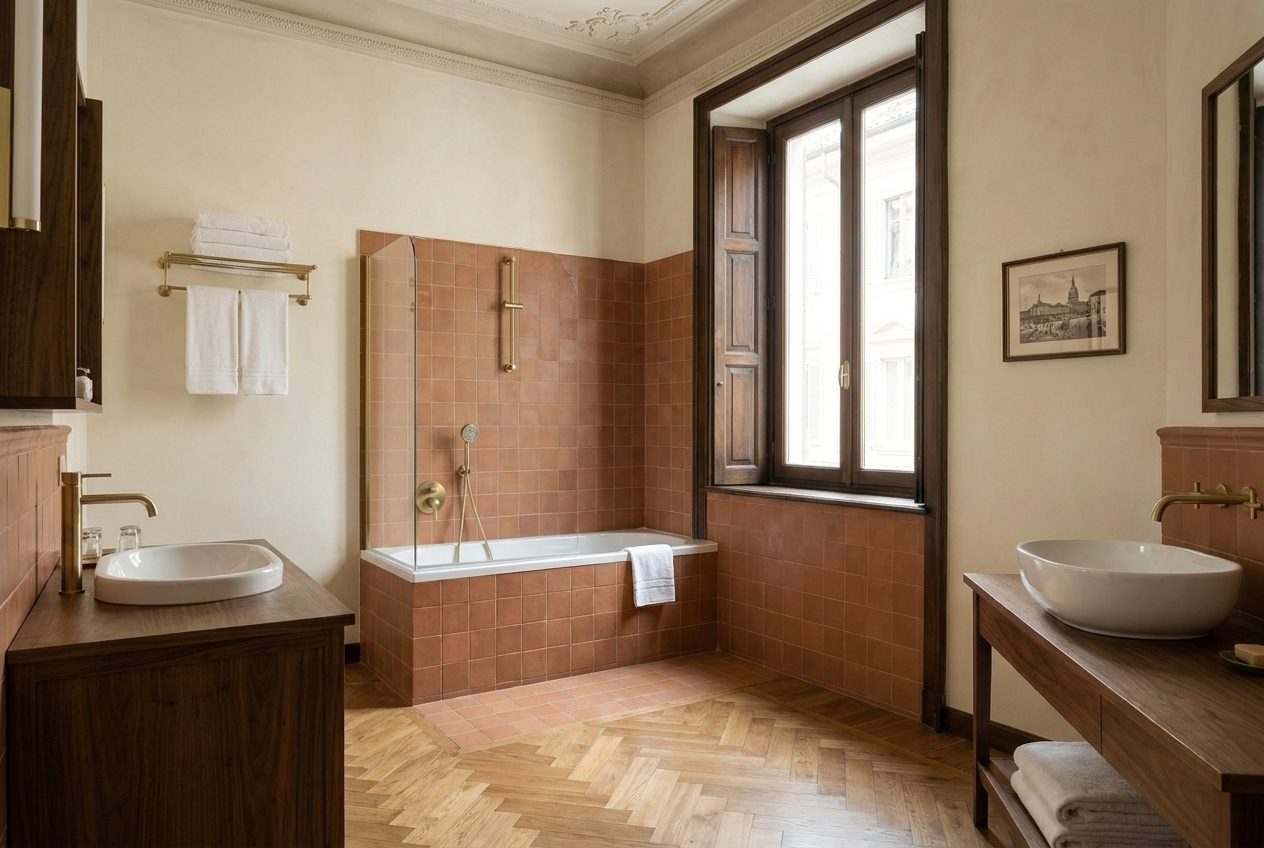
Seasons
Tell Hoteliera which dates the hotel is open and selling.
-
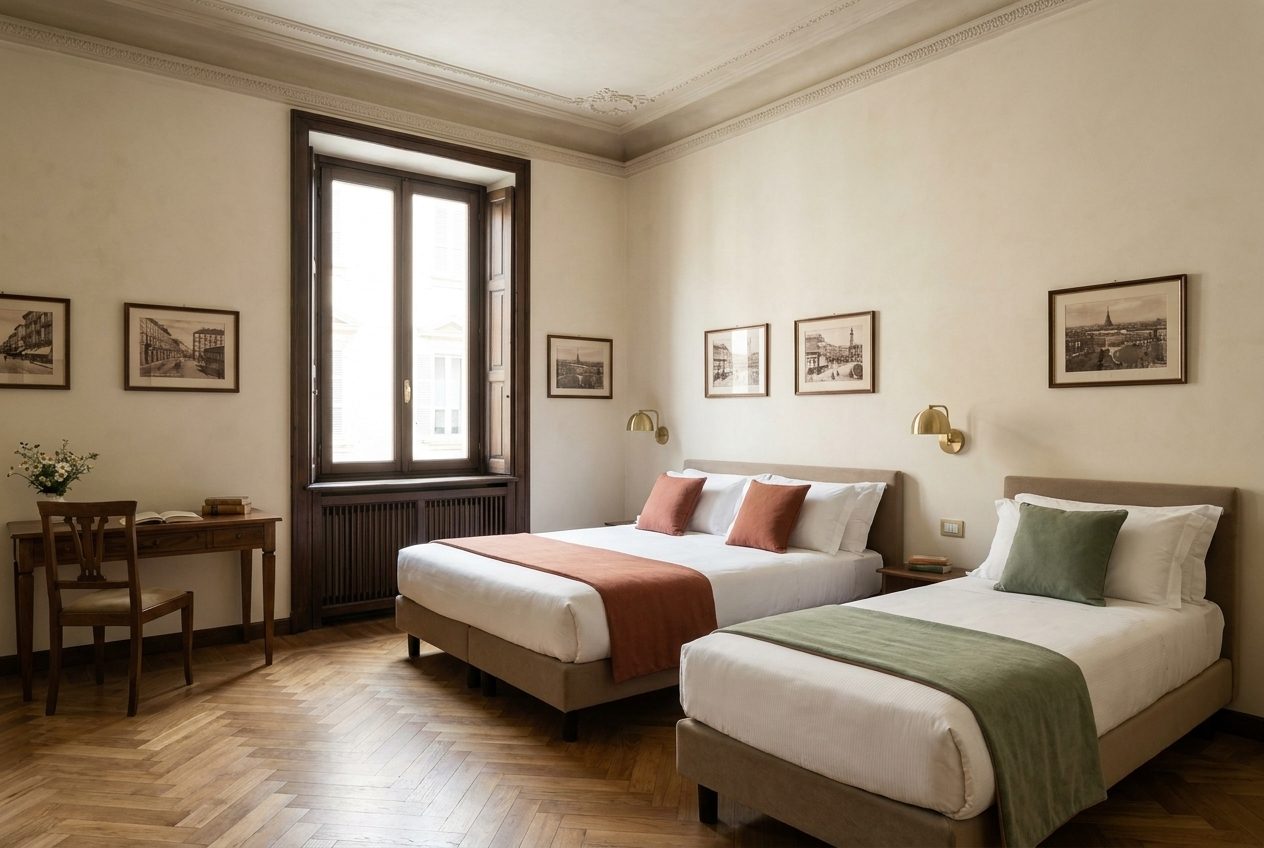
Rate plans
Set the prices, the cancellation policy and the payment terms guests can choose from.
-
Pricing and restrictions
Charge more on weekends and ask for a 2-night minimum during a big city event.
-
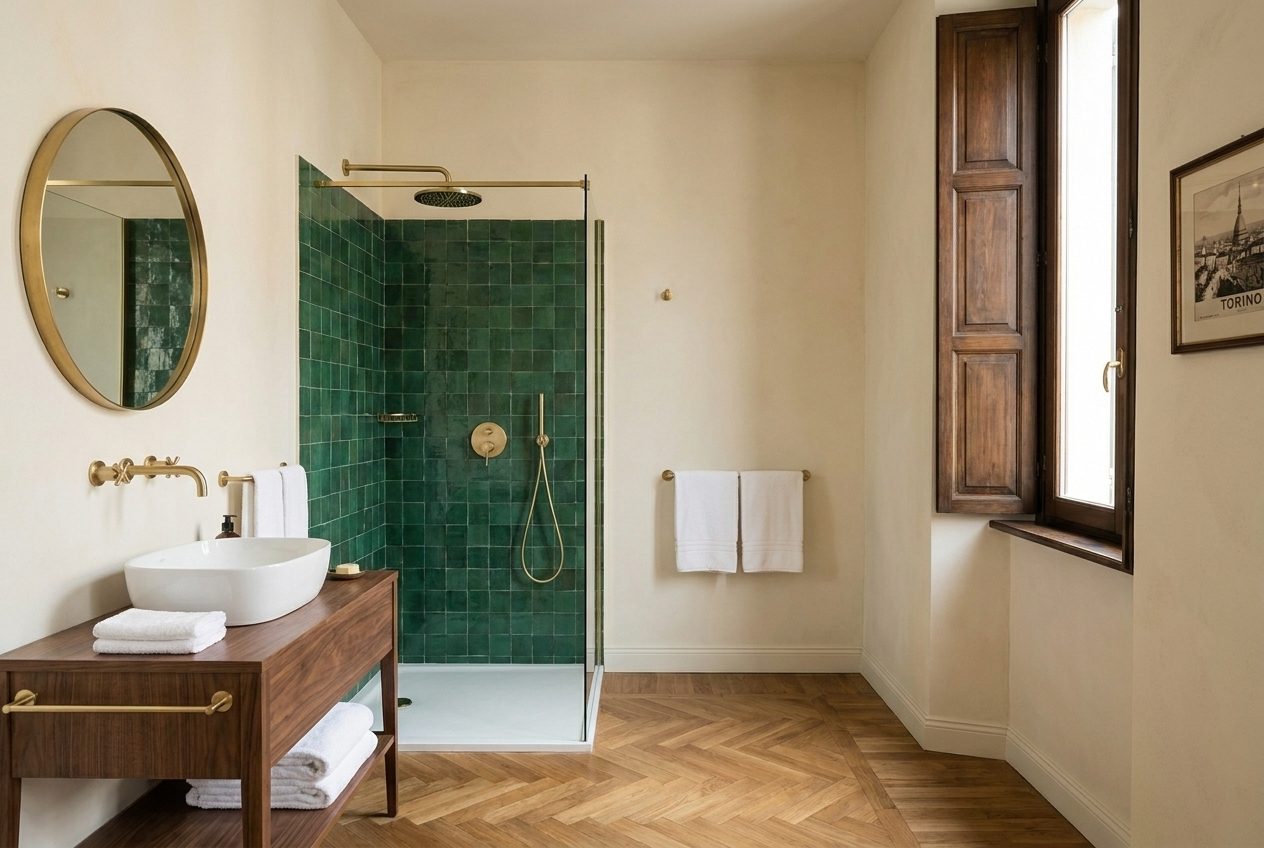
Taxes
Replace the default VAT rates with Italian ones and add Torino's city tax.
-
Invoicing details
Put the company, VAT number, bank account and invoice series on every invoice.
-
Staff and roles
Give the receptionist and the housekeeper their own logins, each seeing only what they need.
-
Your booking website
See the website guests use to book you directly, on a computer and on a phone.
-
Bank transfer payments
Let guests pay by bank transfer, with clear instructions and an automatic deadline.
-
A guest books online
Follow a real booking from the website to the planner, and see what the guest receives.
-
Confirming the bank payment
Record a bank transfer when it arrives, confirm the booking and issue the invoice.
-
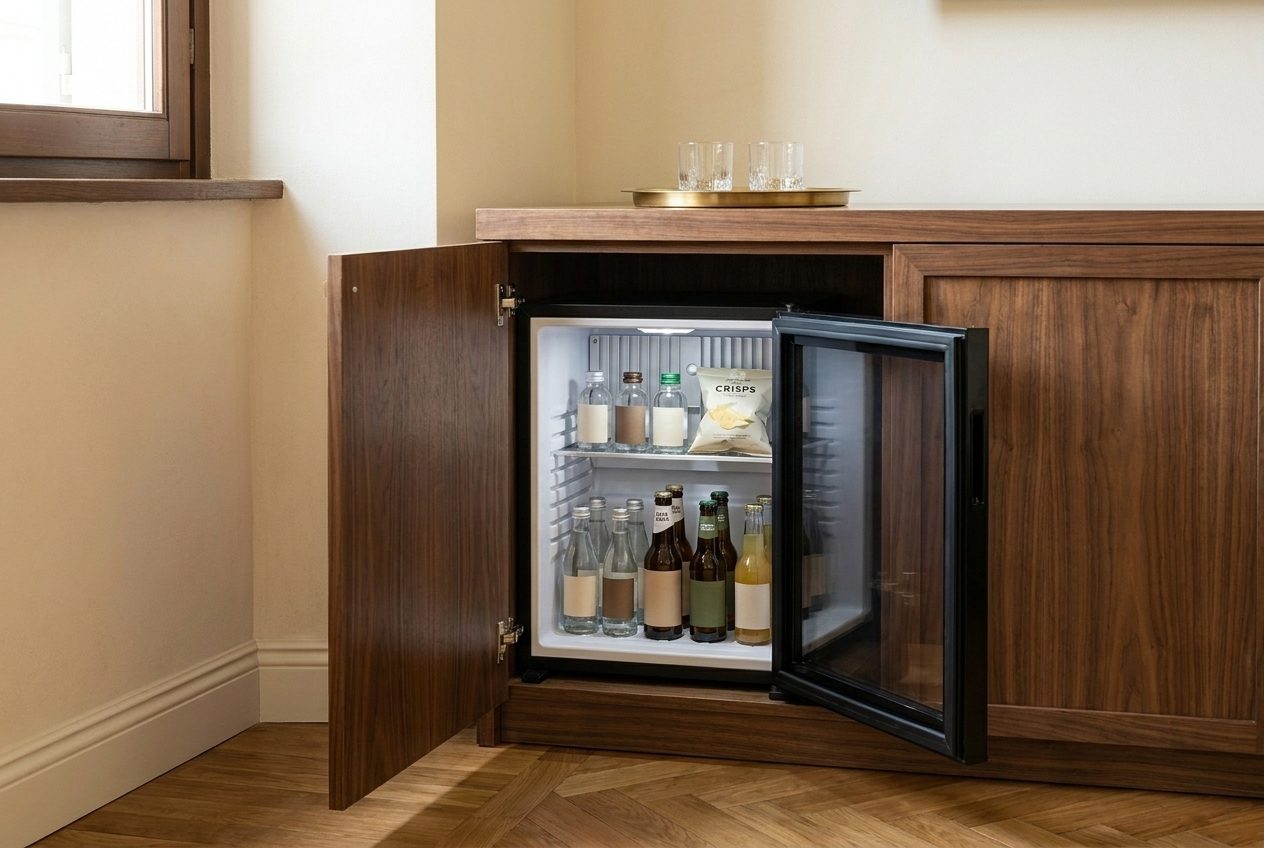
Products: the minibar
Sell minibar items and add them to a guest's bill in a few clicks.
-
Products: the airport transfer
Offer a transfer from Torino airport and add it to a booking at the desk.
-
Products: concert tickets
Resell tickets the desk books for a guest, with a booking fee, and invoice them.
-
Self check-in email
Send guests their door code and Wi-Fi the day before they arrive.
-
Housekeeping
See which rooms need cleaning and let the housekeeper mark them clean from a phone.
-
A day at the front desk
Book a walk-in, move a guest to another room and check guests in and out.
-
Guest registration
Record each guest's identity details at check-in and keep the register in one place.
-
Group bookings
Book several rooms for one family on a single reservation and a single invoice.
-
Cancellations and no-shows
Cancel a non-refundable booking without losing the money, and free the room.
-
Closing a room
Take a room out of sale for repairs so nobody can book it.
-
Invoices from start to finish
Close a stay with one final invoice that accounts for everything already invoiced.
-
Promo codes
Give a discount code for direct bookings on your website.
-
Guest messaging
Answer guests' questions in one inbox, with their booking next to the conversation.
-
Reports
Read occupancy, average price and revenue per room for any period.
-
The owner on the phone
Check the day and the planner from your phone, wherever you are.
-
Connecting Booking.com and Airbnb
See what connecting a booking channel involves, before you switch it on.
-
Day-one checklist
Everything to set up before your first guest, in order, on one page.
See Hoteliera in action
Free PMS forever. Book a 15-minute demo and see how it fits your property.
Request a demo