
Products: the minibar
Sell minibar items and add them to a guest's bill in a few clicks.
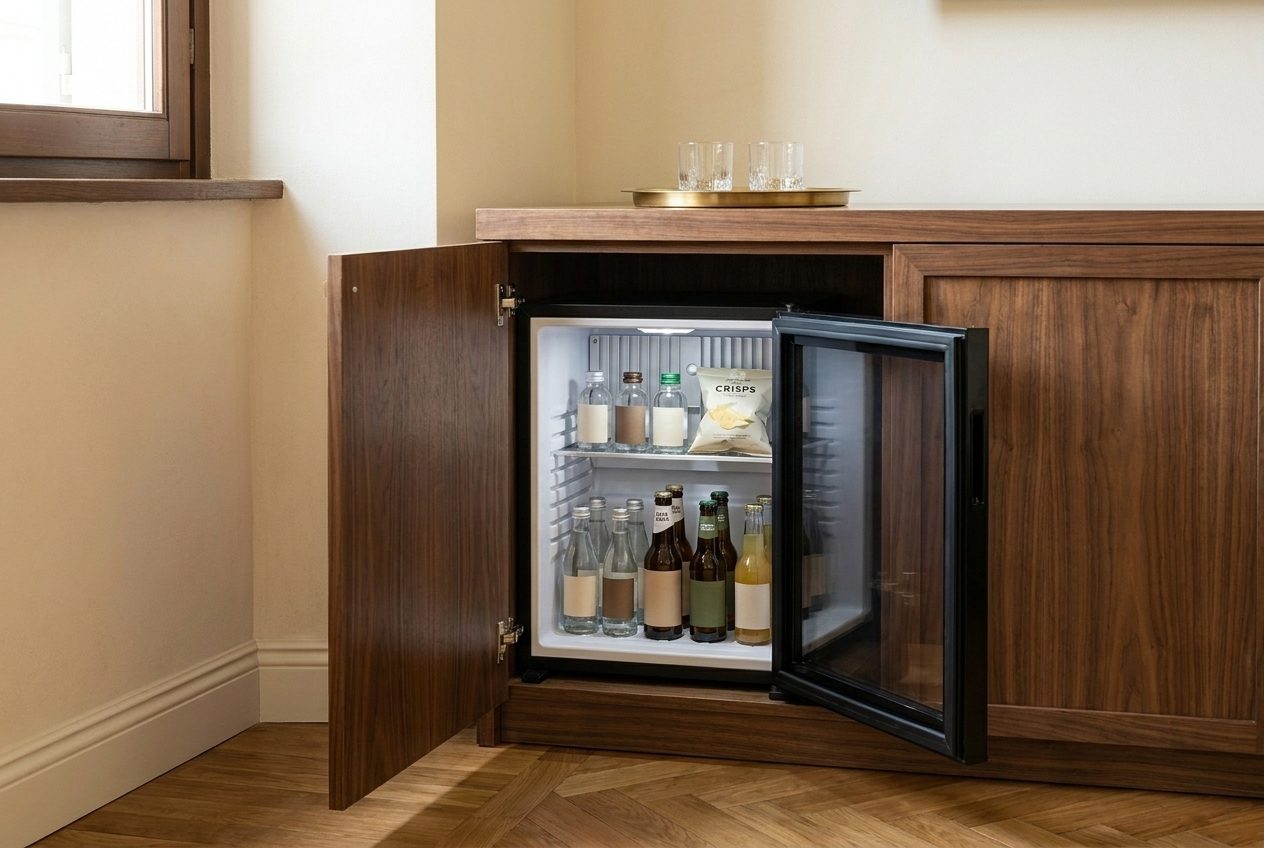
Every room at Hotel Alberto has a small minibar: water, a local beer and some crisps. When a guest takes something, it should land on their bill without a paper slip at the desk. In Hoteliera these are products, grouped in collections. A Minibar collection is already there in a new account, so you only add the items and their prices.
Hands-on
- Go to Settings › Products. Under Collections, Minibar is already listed.
- Click Add product, pick the Minibar collection and type the title: Water 50cl.
- Leave Sold by on Piece, pick the tax and type the price: 2 EUR.
- Repeat for Beer 33cl (€4) and Crisps (€3), then click Save.
Which VAT rate applies to minibar drinks and snacks depends on how you sell them. Hotel Alberto uses 22% here; check the right rate with your accountant.
See the effect
In Sophie’s reservation, Financials › Services and extra products › + opens the product list. Pick the Minibar category, type the quantities (2 waters, 1 beer) and click Save. Both lines appear on her bill, unpaid until she settles at check-out.
See Hoteliera in action
Free PMS forever. Book a 15-minute demo and see how it fits your property.
Request a demo