
Room types and room numbers
Describe the two kinds of room the hotel sells and give each physical room its number.
Guests don’t book “room 103”, they book “a Double”. So Hoteliera separates the two: a room type is what you sell, with its capacity, beds, photos and description, and rooms are the actual numbered doors behind it. Prices and availability are counted per room type, while the planner shows one row per room so you can see who sleeps where. Hotel Alberto has two room types: 4 Doubles (101–104) and 2 Triples (201–202).
Hands-on
- Go to Settings › Room types and click Add your first room type.
- Room type: Double. Short Name up to 5 letters: DBL, the code you’ll see in the planner. Set a Minimum rate price, a safety floor below which no price will go.
- Under Rooms, open Advanced. In Quick add, type Number of rooms 4 and Starting from 101. The preview shows 101, 102, 103, 104; click Add 4 rooms.
- Room capacity: Base adults occupancy 2 and Maximum room capacity 2. Under Occupancy, Maximum adults capacity 2 and Maximum children capacity 0.
- Beds & Settings: Single beds 0, Double beds 1.
- Open Description & Images and write the description in each language. There is no room-size field, so put the size here: About 16 m²…
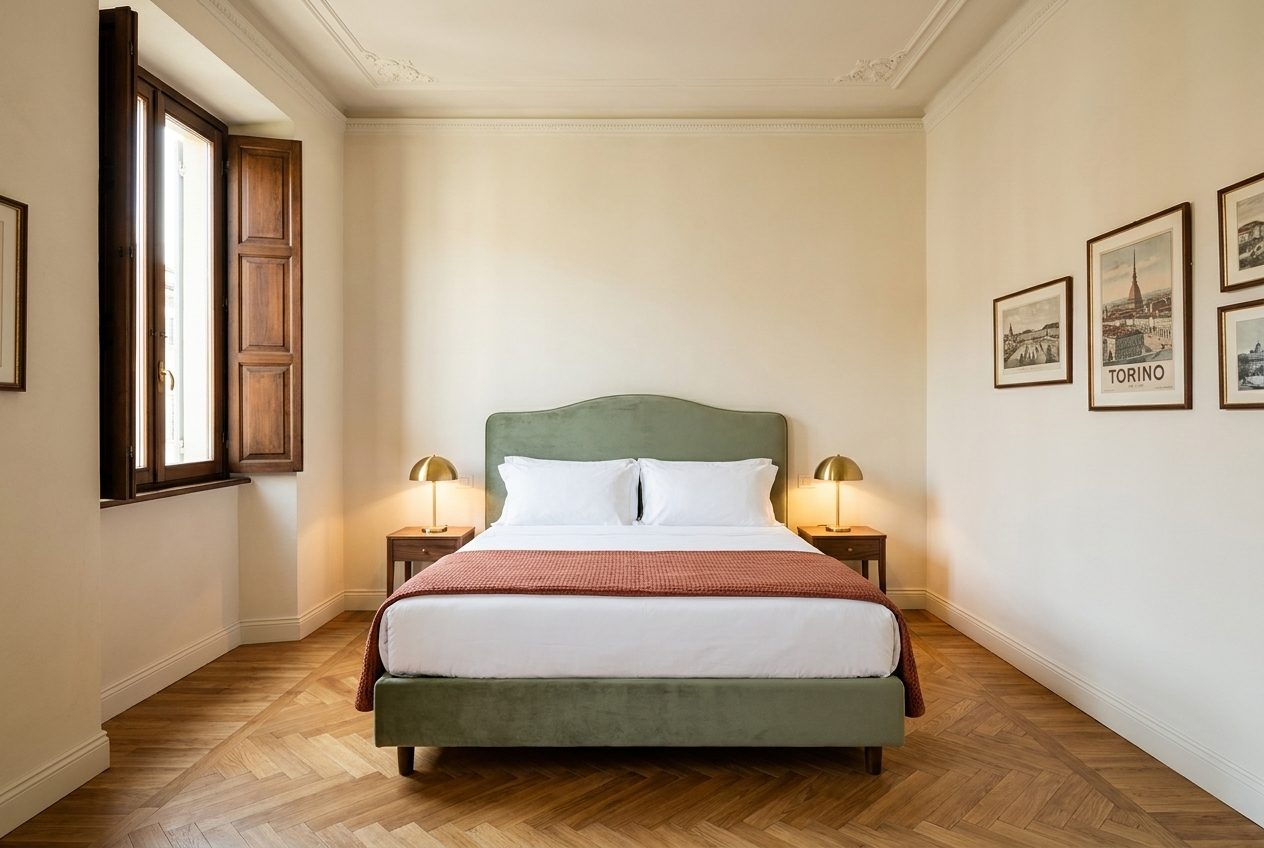
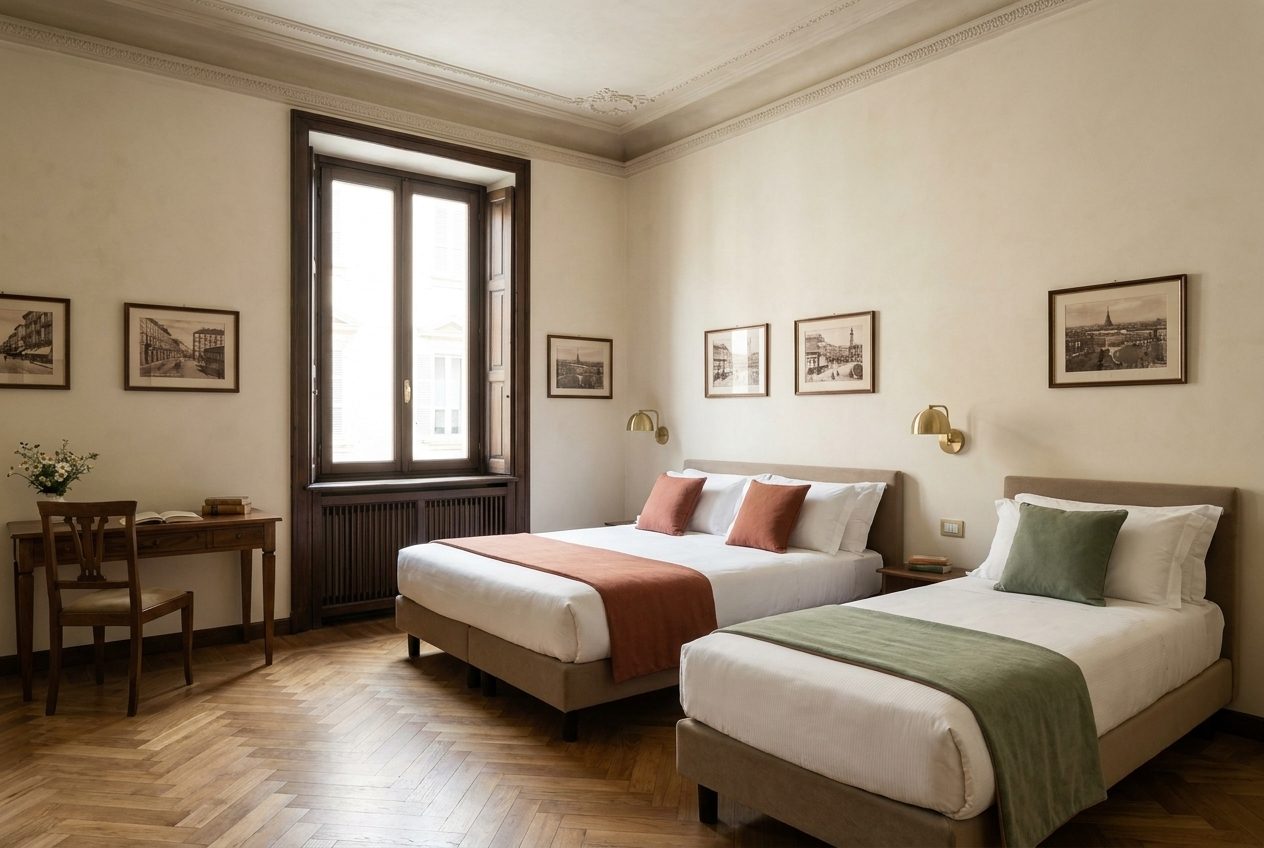
- Click Upload a photo, choose the bed, the view and the bathroom, then Done.
- Click Save. A message offers Add another room type: click it and repeat for the Triple (TRP, 2 rooms starting from 201, 3 adults, 1 double bed + 1 single bed, About 22 m², three photos).
See the effect
The list now shows both room types with their room counts, and Setup progress ticks off Room types. The Planner still says Add a rate plan in order to see the planner: it needs prices before it draws the calendar. You’ll see the DBL and TRP rows with rooms 101–104 and 201–202 at the end of the Rate plans chapter.
See Hoteliera in action
Free PMS forever. Book a 15-minute demo and see how it fits your property.
Request a demo