Hoteliera Tutorial: The Guest Portal—Your Secret Weapon for Upselling Extras and Local Experiences
 Hoteliera How-To Guides & Tutorials
 Finance
 Guest Experience

Perfect for: Those seeking practical tutorials to boost their revenue. You’ve already done the hard work of getting a guest to book. Now, how do you maximize the revenue from that booking?
The answer is simple: Upselling Extras via a non-intrusive Guest Portal.
The Problem with Manual Upselling
If you try to upsell in a welcome email, it looks spammy. If you try to upsell at check-in, it feels awkward. The best way is to let the guest browse on their own terms.
The Guest Portal as a revenue Generator
The Guest Portal is not just for Wi-Fi codes; it’s a digital shop window for your property.
Top-Converting Extras to Feature:
- Early Check-in / Late Check-out: The easiest upsell. Guests are often willing to pay €20-€50 for a few extra hours.
- Local Food/Wine Baskets: Partner with a local shop to offer a welcome basket (e.g., local cheese and wine for €40). This is a win-win for local business and your revenue.
- Mid-Stay Cleaning: Offer a light cleaning service for guests staying longer than 5 days.
Setting Up Upsells in Hoteliera
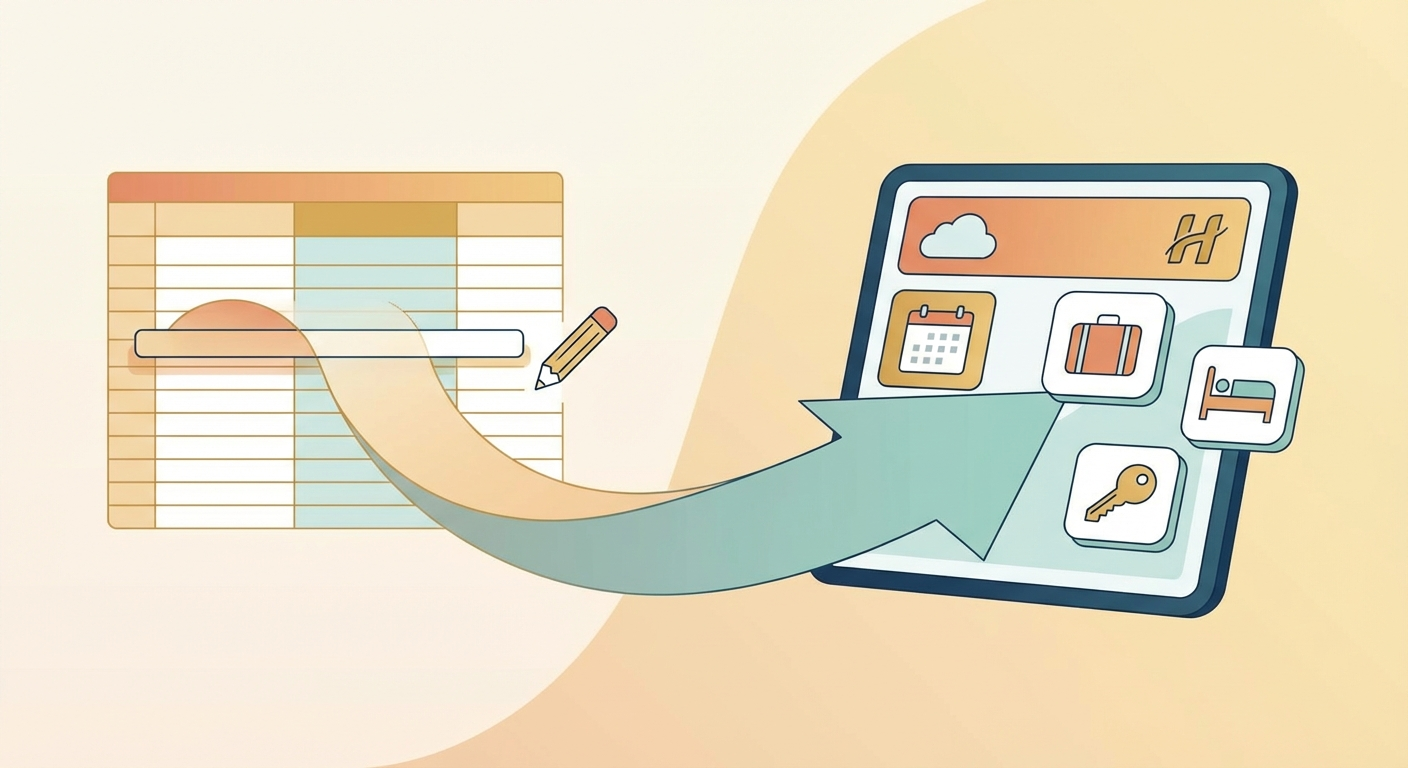
- Define the Extra: In the Extras section of the PMS, define the price, description, and quantity (if applicable) for each item.
- Show in Portal: Mark the Extra to be visible in the Guest Portal.
- Profit: Guests can add these items to their reservation with a single click, and the charge is automatically added to their invoice.
This simple tool allows you to increase the average value of every booking by 10-20% with zero effort.
[Start generating extra revenue today. Set up your first Upsell Extra in Hoteliera’s free Guest Portal!]