Hoteliera Tutorial: Connecting Your Channel Manager Without Losing a Single Reservation (Safe Migration Guide)
 Hoteliera How-To Guides & Tutorials
 PMS, Channel Manager & Tech

**Perfect for: Data migrators seeking to guarantee complete information transfer.**The biggest reason hosts hesitate to switch to a better PMS is the fear of migration. “What if I lose a booking?” “What if the calendar gets messed up?”
Hoteliera’s process for connecting your existing reservations is designed to be safe, redundant, and error-free. You don’t lose any data, and you don’t risk double-bookings during the switch.
Phase 1: Preparation (Before You Connect)
- Stop Taking New Manual Bookings: For 30 minutes, pause all manual actions on your old calendars.
- Ensure All OTAs are Up-to-Date: Double-check that all your existing calendars (Airbnb, Booking.com, etc.) are 100% accurate.
Phase 2: The Safe Connection
- Import Listings: In Hoteliera, go to Channel Manager and select the platform (e.g., Airbnb).
- OAuth Connection: Use the simple connection process (log in on their site) to grant Hoteliera read/write access.
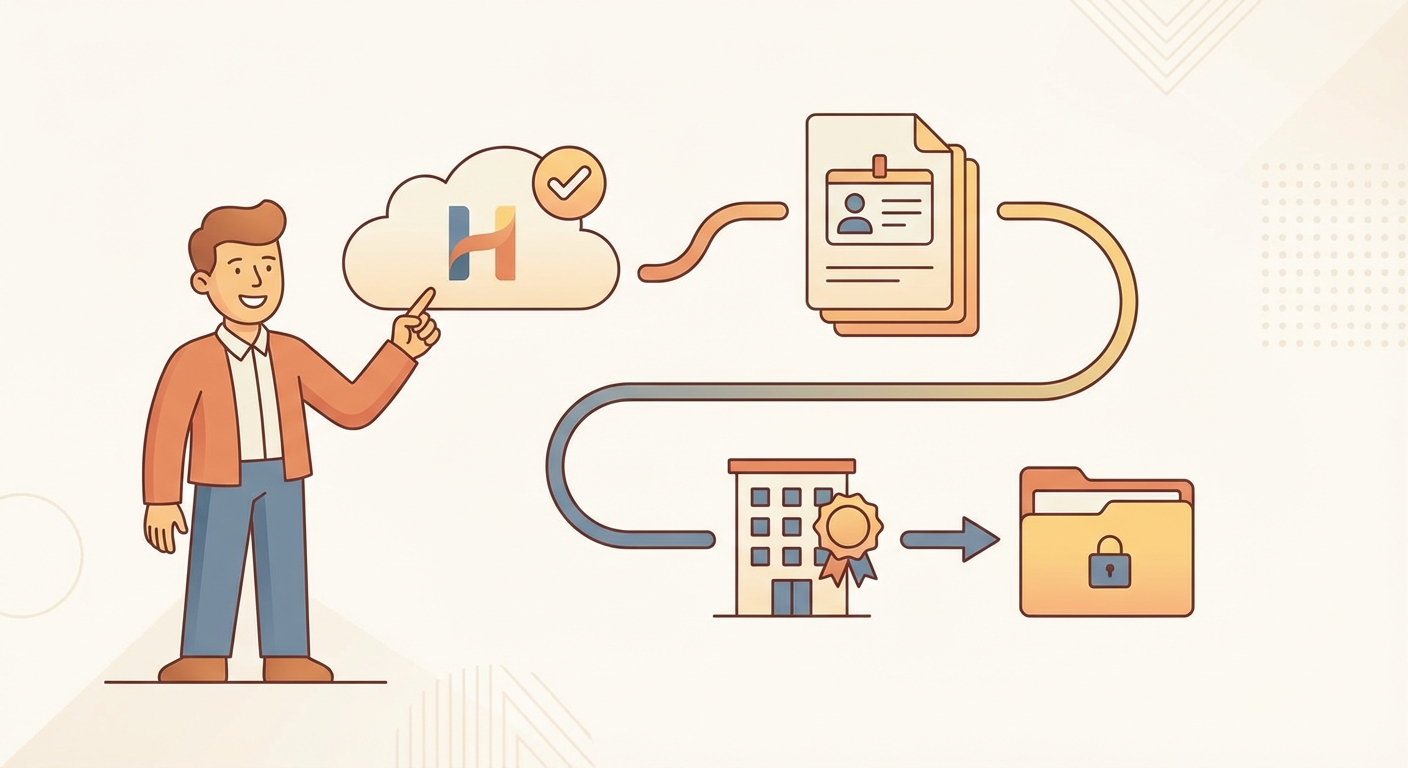
- The Safety Check: Hoteliera will read all your existing reservations first. It will then show you a summary of bookings and blocked dates. It will NOT write anything yet.
- The Go-Live Flip: Once you confirm the data looks correct, you click “Activate Sync.” Only then does Hoteliera take over and start managing the calendar.
Why This is Safe
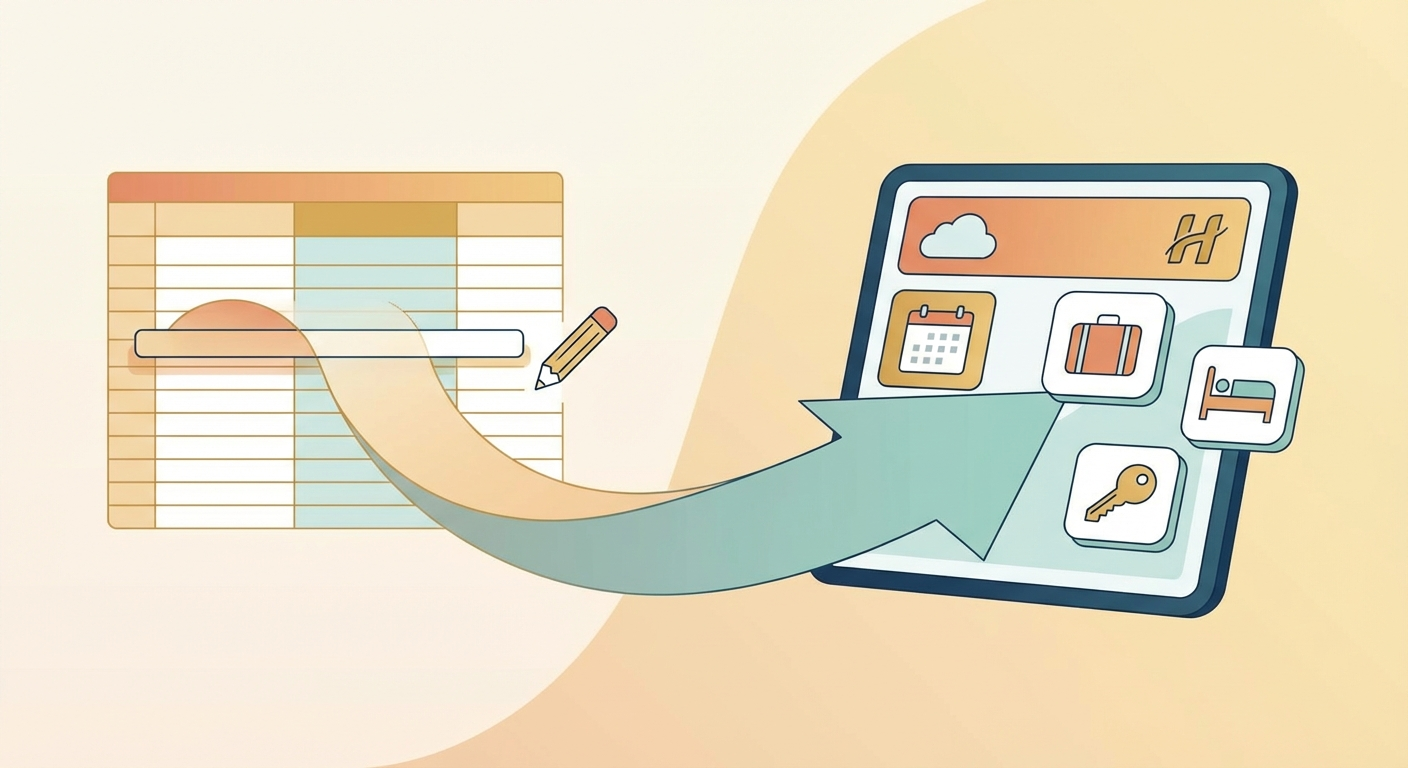
Hoteliera’s system uses a pull-first, then push model. It reads the truth from your existing platforms before it ever writes a new instruction. This eliminates the risk of losing data or creating a double-booking during the transition.
Migrating your most complex data—your existing reservations—is the easiest part of setting up Hoteliera.
[Ready for a safe, stress-free migration? Start your free Hoteliera account and connect your Channel Manager today!]