[15-Minute Setup] How to Get Your First Property Live in Hoteliera (A Non-Tech Guide)
 Hoteliera How-To Guides & Tutorials
 PMS, Channel Manager & Tech
![[15-Minute Setup] How to Get Your First Property Live in Hoteliera (A Non-Tech Guide)](/img/d1-15-minute-setup-feature.png)
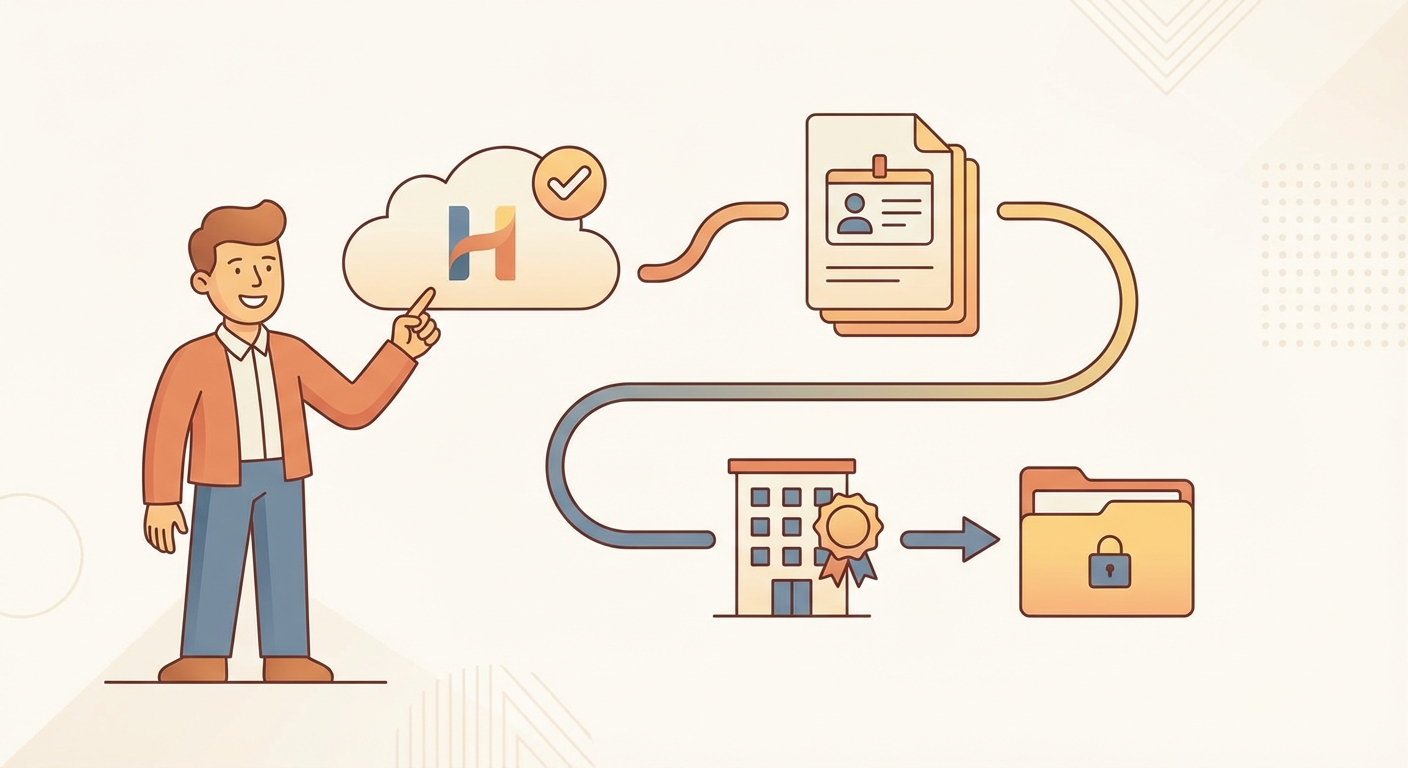
Perfect for: Those hesitant about switching software, as this simplifies migration and setup. Welcome! You’ve decided to stop wasting time and money on complex, expensive, or manual systems. This guide proves that getting started with Hoteliera is faster than making a cup of coffee.
Our entire process is designed for hosts who are not tech experts.
Step 1: Create Your Free Account (2 Minutes)
- Go to the Hoteliera sign-up page.
- Enter your email and a strong password.
That’s it. You are immediately logged into your dashboard.
Step 2: Add Your Property Details (5 Minutes)
- Click “Add New Property.”
- Give your property a simple name (e.g., “Beach Apartment,” “City Loft 1”).
- Enter the basic address and key contact details.
- Define your Rooms/Units. For a single apartment, you have one unit. For a hotel, you list the room types (e.g., “Double Room,” “King Suite”).
Step 3: Connect Your Calendars (8 Minutes)
This is the most important step!
- In your Hoteliera dashboard, navigate to “Channel Manager.”
- Click “Connect Airbnb” (or Booking.com).
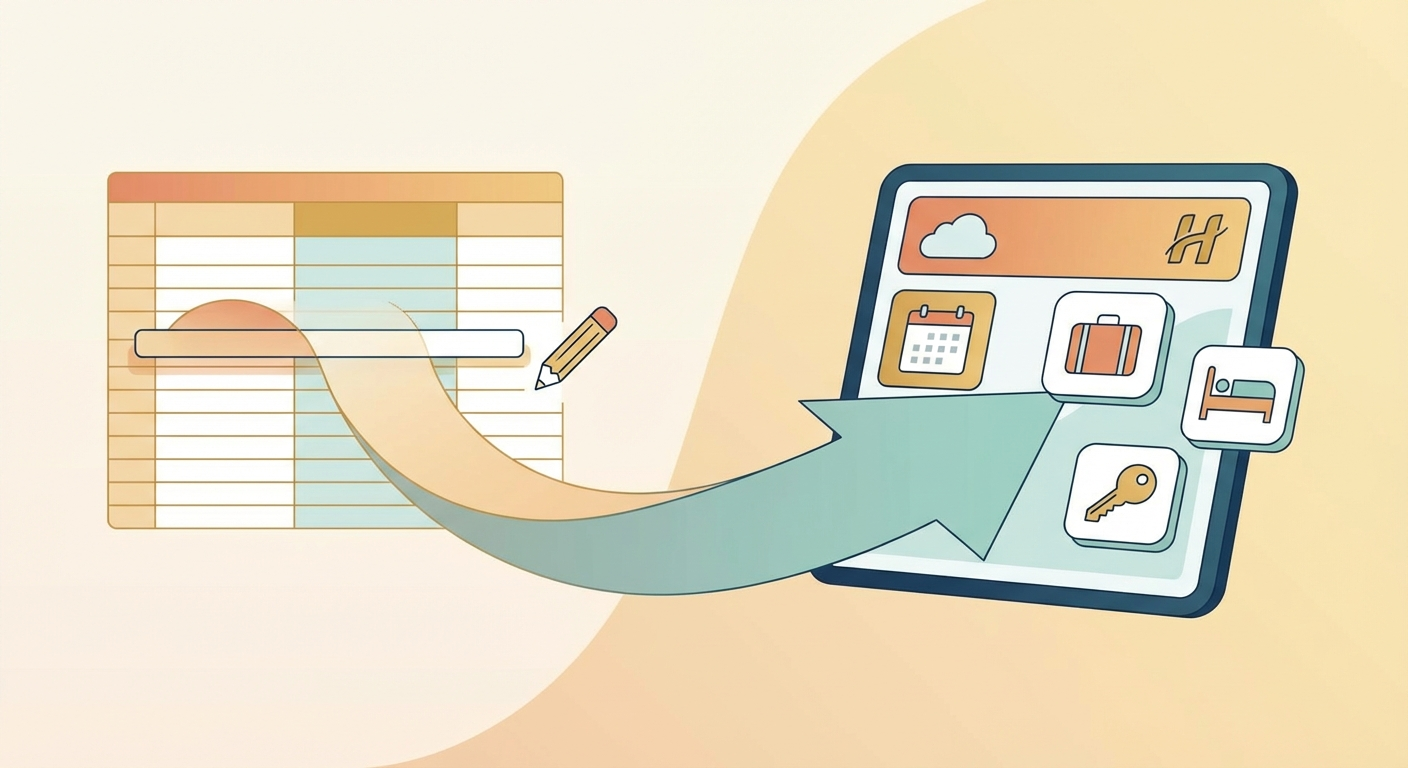
- Hoteliera will guide you through a simple OAuth connection. You never have to copy-paste iCal links or tokens.
- Confirm which Hoteliera room maps to which platform listing.
Congratulations! Your calendars are now synchronized, and you are protected from double-bookings. You have successfully migrated your first property in 15 minutes.
[Click here to start your 15-minute setup now! Your free core PMS is waiting.]